JD TITAN Login Guide: How to Access Your Account on Mobile and Desktop
Where to Find the JD TITAN Login Page
The JD TITAN login page is the starting point for every betting session, whether you want to play slots, join a live dealer table, or place a bet on the PBA. Filipino players access the login screen in two main ways.
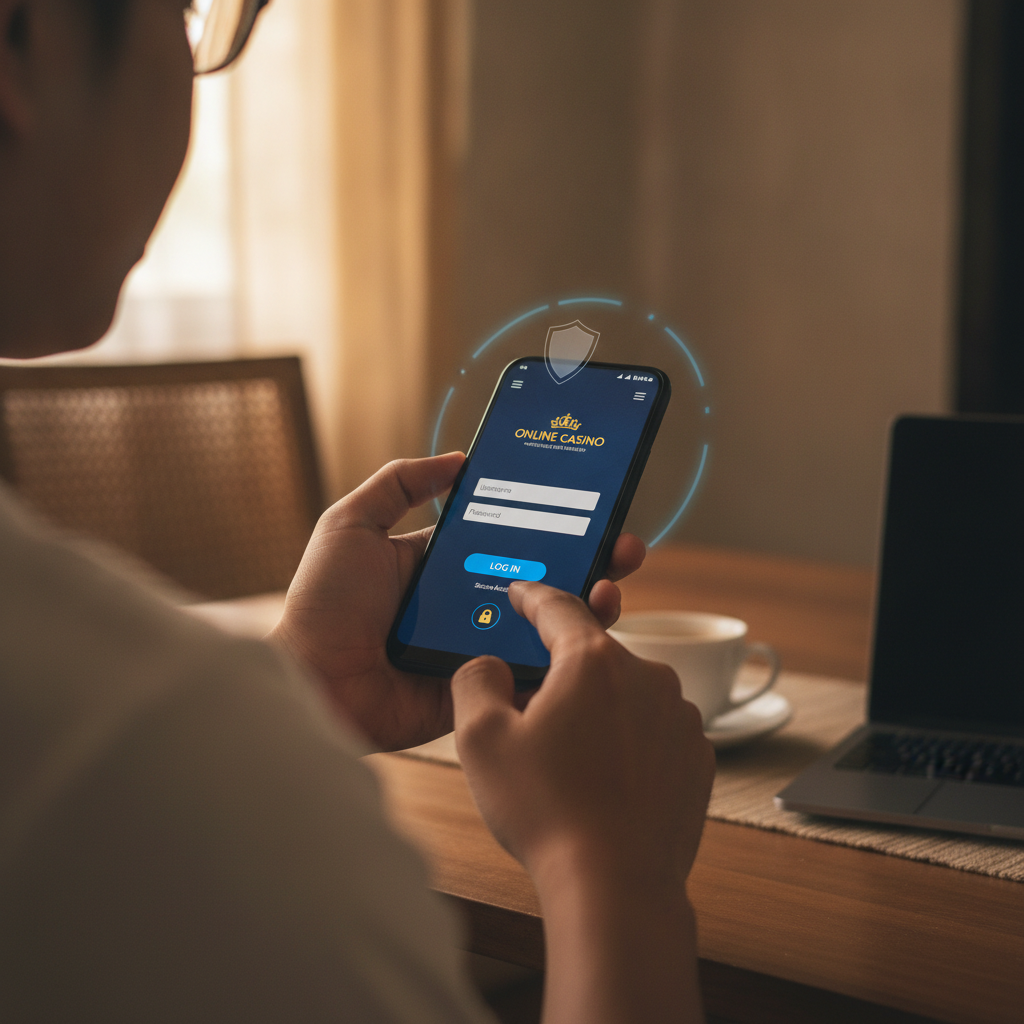
On mobile: Open your Android browser—Chrome, Firefox, or your default app—and type the JD TITAN website address into the URL bar. The homepage loads with a "Login" button at the top-right corner of the screen. Tap it to open the login form.
On desktop: Visit the JD TITAN site from any laptop or PC browser. The "Login" link sits in the same spot: top right of the homepage. Click it to bring up the username and password fields.
JD TITAN does not require a separate app download to log in; the mobile browser experience is designed for Android phones and works on most screen sizes. Once you reach the login page, you will see two empty boxes—one for your username or registered mobile number, and one for your password. Below those fields is the "Login" button that submits your credentials.
If you have not yet registered an account, the login page also includes a link to the sign-up form. New players aged 21 and over can create an account in a few minutes by providing a Philippine mobile number, email, and personal details for ID verification.
Entering Your Username and Password on Android Mobile
Logging in on an Android phone is straightforward, but small screens mean you need to type carefully. Here is how most Filipino players do it:
- Tap the username field. Your phone keyboard will slide up from the bottom of the screen. Enter the username or mobile number you used during JD TITAN registration. Many players use their 11-digit Philippine mobile number (starting with 09) as a username because it is easier to remember.
- Tap the password field. Type your password exactly as you set it. Passwords are case-sensitive, so watch for capital letters and special characters. If your keyboard has auto-suggest or auto-correct turned on, double-check the final text before submitting—stray spaces or substitutions can trigger login errors.
- Tap "Login". The system checks your credentials. If everything matches, you land on the JD TITAN lobby, where you can browse slots, live dealer games, sportsbook odds, and bingo rooms. If the username or password is wrong, an error message appears and you can try again.
Common mobile typing mistakes: Accidentally hitting the space bar before or after your username, switching between lowercase and uppercase without noticing, or using the wrong keyboard layout (English versus Tagalog autocorrect). Take a second to review what you typed before you tap "Login."
Most Android browsers remember login forms and offer to save your username and password. This autofill feature speeds up future logins, but only use it on a phone that you keep secure with a PIN, fingerprint, or pattern lock. Shared or public devices should never store casino login details.
What to Do If You Forget Your Login Details
Forgetting a username or password is common, especially if you registered weeks ago and this is your first time coming back to JD TITAN. The platform provides a recovery process that sends reset instructions to your registered contact information.
If you forget your password:
- On the JD TITAN login page, look for a link that says "Forgot Password?" or "Reset Password." Tap or click it.
- Enter the mobile number or email address you used during registration. JD TITAN will send a verification code via SMS or email.
- Check your phone messages or inbox for a six-digit code (it usually arrives within one to two minutes). Enter the code on the reset page.
- Create a new password. Use a mix of letters, numbers, and symbols—at least eight characters long. Write it down or store it in a secure note app so you do not forget it again.
- Return to the login page and sign in with your username and new password.
If you forget your username:
Your username is often the mobile number you registered with. Try entering your 11-digit Philippine number in the username field. If that does not work, contact JD TITAN customer support through the live chat icon on the homepage. Provide your registered email or mobile number so the support team can verify your identity and remind you of your username.
If you cannot access your registered mobile number or email:
This scenario requires help from customer support. Use the live chat feature and explain that you no longer have access to your old contact details. You will likely need to show proof of identity—such as a photo of your valid ID (the same ID you used for account verification)—so the support team can confirm you own the account before updating your contact information.
Filipino players should keep their registered mobile number active and check email inboxes regularly, including spam folders, so they never miss a password-reset message.
Keeping Your Account Secure: Tips for Filipino Players 21+
JD TITAN holds your deposit balance and personal information, so treat your login credentials like cash. A secure account starts with good password habits and awareness of common risks in the Philippines.
Create a strong password. Avoid easy-to-guess words like "password123," your birthday, or your nickname. A strong password mixes uppercase letters, lowercase letters, numbers, and symbols. Example pattern: a Tagalog word with numbers in the middle and a symbol at the end. Do not reuse the same password across multiple sites; if one platform is hacked, all your accounts become vulnerable.
Never share your login with anyone. Friends, family members, or strangers who offer to "help you win" should never have your username and password. JD TITAN accounts are personal. Sharing login details violates the platform's terms and can lead to disputes if someone else places bets or withdraws money without your permission.
Beware of phishing messages. Scammers sometimes send fake SMS or Facebook messages pretending to be JD TITAN support. They ask you to "verify your account" by clicking a link and entering your username and password on a fake site. Always type the JD TITAN web address directly into your browser instead of clicking links in unsolicited messages. JD TITAN will never ask for your password through SMS, email, or chat.
Use secure internet connections. Public Wi-Fi in malls, coffee shops, or buses can expose your login session to hackers. When possible, log in using your mobile data plan or a private home Wi-Fi network. If you must use public Wi-Fi, avoid making deposits or entering sensitive details until you are back on a trusted connection.
Enable two-factor authentication if available. Some online casino platforms offer an extra security layer that sends a one-time code to your phone each time you log in from a new device. Check the JD TITAN account settings or ask customer support whether this feature is available for Filipino players.
Log out when you finish playing. Do not leave your account open on a shared phone or computer. Tap the "Logout" button in the menu before you close the browser. This step is especially important if you are using a device that other people can access.
Responsible Gambling Reminder and Logout Best Practices
JD TITAN is designed for entertainment, not as a way to make money. Every player should set a budget before logging in and stick to it, whether that budget is PHP 100 or PHP 500 per session. Chasing losses—depositing more money to recover what you lost—is a common trap that leads to bigger problems.
Signs you may need a break:
- You are betting more than you can afford to lose.
- You feel anxious or upset when you lose.
- You skip meals, work, or time with family to keep playing.
- You borrow money or use bill payments to fund deposits.
If any of these apply to you, log out and take a break. JD TITAN account settings may include self-exclusion tools that let you pause your account for a set period. You can also contact customer support to request a temporary suspension if you need help controlling your play.
Logout best practices:
After every session, tap the menu icon (usually three horizontal lines in the top corner) and select "Logout." This step ensures no one else can access your account or see your balance if they pick up your phone. Logging out also ends your session on the server side, which adds a layer of protection against unauthorized activity.
Before you log out, double-check that any pending bets are settled and that you have reviewed your transaction history. If you made a deposit via GCash or Maya, confirm that the amount credited correctly. If you notice anything unusual—such as bets you did not place or missing funds—contact JD TITAN support immediately through live chat.
21+ only. JD TITAN is available exclusively to players aged 21 and older. Underage gambling is illegal in the Philippines. If you are not yet 21, do not create an account or attempt to log in.
Final reminder: Online casino games and sports betting carry financial risk. Never bet money you cannot afford to lose, and remember that the house always has an edge over time. Set deposit limits, take breaks, and treat JD TITAN as entertainment, not income.
This guide is an independent resource for Filipino players. It is not operated by or affiliated with JD TITAN. Always verify platform terms and conditions before creating an account. Play responsibly and only if you are 21 years of age or older.